
In this article
Start smaller than you want.
If you are learning how to make a faceless TikTok, do not start with a logo, a perfect bio, or 50 video ideas. Start with one repeatable format that a specific viewer can recognize in two seconds.
Answer capsule: To make a faceless TikTok, choose one niche, pick a no-face video format, set up a niche-specific profile, script a 30-60 second video, create it with screen recording, stock footage, hands-only filming, or AI voiceover, publish consistently, and link the account to a monetization path once the format earns engagement.
This guide is the start-to-first-post version. If you already have an account and need production workflows, use the deeper guide on how to make faceless TikTok videos. If your goal is revenue, keep the faceless TikTok monetization guide open while you build.

What You’ll Need
- One niche with a clear viewer problem
- One repeatable video format you can make without showing your face
- A TikTok username and bio tied to the niche, not your identity
- A basic editing app such as CapCut, Canva, or a desktop editor
- One production source: screen recording, hands-only filming, stock footage, or AI voiceover
- A simple posting tracker for hooks, formats, views, saves, comments, and follow rate
- A monetization direction, even if you will not pitch anything on day one
You do not need a studio. You need a repeatable constraint.
Step 1: Pick One Viewer, One Problem, and One Promise
Most beginners pick a topic that is too broad.
“Motivation” is not a niche. “Study motivation for nursing students who procrastinate at night” is closer. “AI tools” is not a niche. “AI tools for freelancers who need client deliverables faster” is closer.
Use this three-part niche sentence:
“This account helps [viewer] solve [problem] by showing [format/promise].”
Examples:
- “This account helps beginner creators film faceless videos by showing desk setup workflows.”
- “This account helps busy students study better by showing one-minute Notion and note-taking systems.”
- “This account helps small apartment renters organize clutter by showing hands-only product demos.”
- “This account helps new side hustlers understand online income by explaining one concept per video.”
The point is not to trap yourself forever. It is to give TikTok a clean signal. When your early videos serve the same viewer repeatedly, the platform has a better chance of testing them with the right audience.
For proven account directions, scan the faceless TikTok accounts guide before you name anything.
Step 2: Choose a Faceless Video Format Before You Create the Profile
The format comes before the brand.
Your username, bio, posting schedule, tools, and monetization path depend on how you will actually make videos. A screen-recording account looks different from a hands-only product account. A text-on-screen facts account looks different from an aesthetic lifestyle account.
| Format | Best For | Tools Needed | Monetization Fit |
|---|---|---|---|
| Screen recording | Software, AI tools, productivity, tutorials | Phone or desktop recorder, editor | Digital products, affiliates, lead gen |
| Stock footage + voiceover | Finance, history, psychology, business | Stock library, AI or human voice, editor | Creator rewards, digital products |
| Hands-only POV | Cooking, crafts, desk setups, product demos | Phone, tripod, lighting | TikTok Shop, brand deals |
| Text-on-screen | Quotes, quick tips, storytelling, opinion | CapCut or Canva | Follower growth, email capture |
| Animated explainer | Education, science, money concepts | Canva, slides, motion templates | Courses, guides, sponsors |
If you want the simplest route, start with text-on-screen or screen recording. If you want commercial intent early, start with hands-only POV or tutorial content because it can later support TikTok Shop affiliate and product reviews.
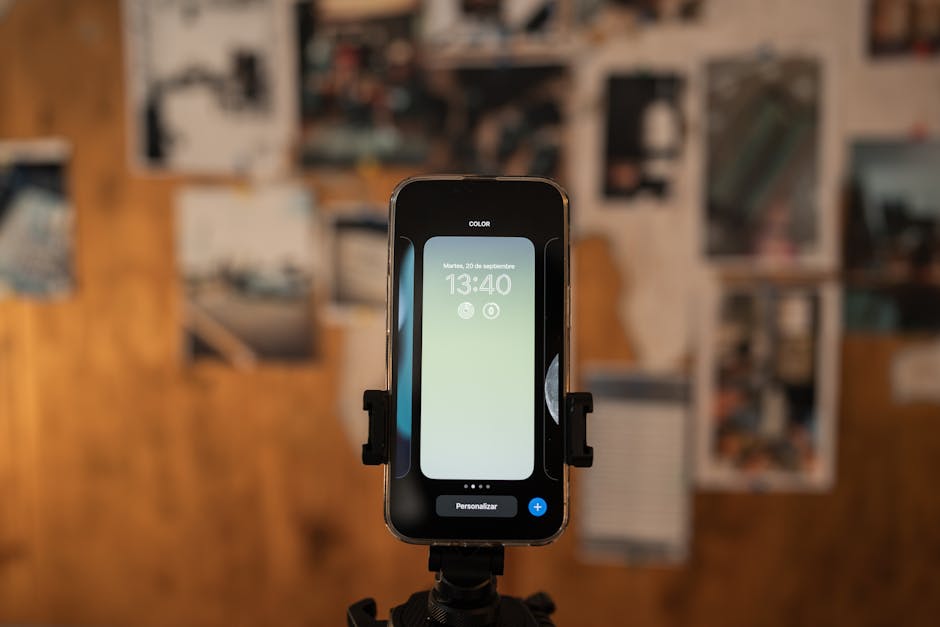
Step 3: Set Up the Account Like a Content Property
Do not make the account look anonymous. Make it look useful.
There is a difference. An anonymous account hides. A faceless content property has a clear promise without revealing the operator.
Set up the profile this way:
- Username: Use the niche or outcome. Avoid random numbers, private jokes, and personal initials.
- Profile photo: Use a simple icon, wordmark, or niche visual. Do not overdesign it.
- Bio line 1: State the viewer and outcome.
- Bio line 2: State the format or cadence.
- Link: Add later if unavailable at the start. Do not force a CTA before you have trust.
Example bio:
Faceless desk setups for creators
Tools, scripts, and filming systems
TikTok’s support hub has current walkthroughs for creating videos, editing, captions, and creator tools in its creating videos documentation. Use official docs when an app button moves; TikTok UI changes often.
Step 4: Write the First 10 Video Ideas From One Format
Do not brainstorm 100 ideas.
Write 10 from the same repeatable pattern. Early on, you are testing the format more than the topic. If every video changes structure, you will not know what worked.
Use these starter patterns:
| Pattern | Hook Template | Example |
|---|---|---|
| Mistake | “Stop doing this if you want…” | “Stop filming desk videos with the phone at eye level.” |
| Before/after | “I changed one thing and…” | “I changed one light and the whole video looked cleaner.” |
| List | “3 things I would use if…” | “3 tools I would use to start a faceless TikTok today.” |
| Tutorial | “How to do X without Y” | “How to film a product demo without showing your face.” |
| Comparison | “X vs Y for beginners” | “Stock footage vs screen recording for faceless TikTok.” |
Your first 10 ideas should be close enough that production gets easier with every post. That repetition is not boring. It is training.
If you need tool support for scripts, voiceovers, or editing, use the AI tools for faceless content guide to pick a small stack instead of subscribing to every app.
Step 5: Script One Video in a 6-Part Structure
The first video should be simple enough to finish today.
Use this structure:
- Hook: A specific problem or result in the first two seconds.
- Context: One sentence explaining who this is for.
- Step or proof: Show the action, not just the claim.
- Payoff: Show the result, comparison, or takeaway.
- Micro-CTA: Ask for a comment, save, or follow based on the content.
- Loop: End in a way that connects back to the first frame or tees up the next video.
Example 40-second script:
“Your faceless videos look cheap because the first frame is empty.
Here’s the fix. Start with the final result on screen first, then rewind into the steps.
For a desk setup video, show the clean final frame, then cut to the messy tripod, the light placement, and the caption layer.
The viewer now knows why they should keep watching.
Save this if you’re building a faceless TikTok from scratch.”
This is why faceless content can work fast. You do not need charisma. You need structure.
Step 6: Produce the Video With the Least Moving Parts
Make the first post ugly enough to publish.
Not sloppy. Finished. There is a difference. Most people lose two weeks designing a brand system for an account with zero videos. TikTok cannot test your account until you post.
Minimum production workflows:
- Screen recording: Record the task, trim dead air, add captions, publish.
- Stock footage: Write the voiceover, add three clips, add text overlay, publish.
- Hands-only POV: Mount phone, film the action, add hook text, publish.
- Text-only: Use a plain background, animate the key line, add sound, publish.
TikTok’s Creative Codes recommend vertical 9:16 video, high-resolution footage, room for the TikTok interface, attention-holding movement, text overlays, and sound. Those principles are enough for your first version. Do not wait for a custom template.
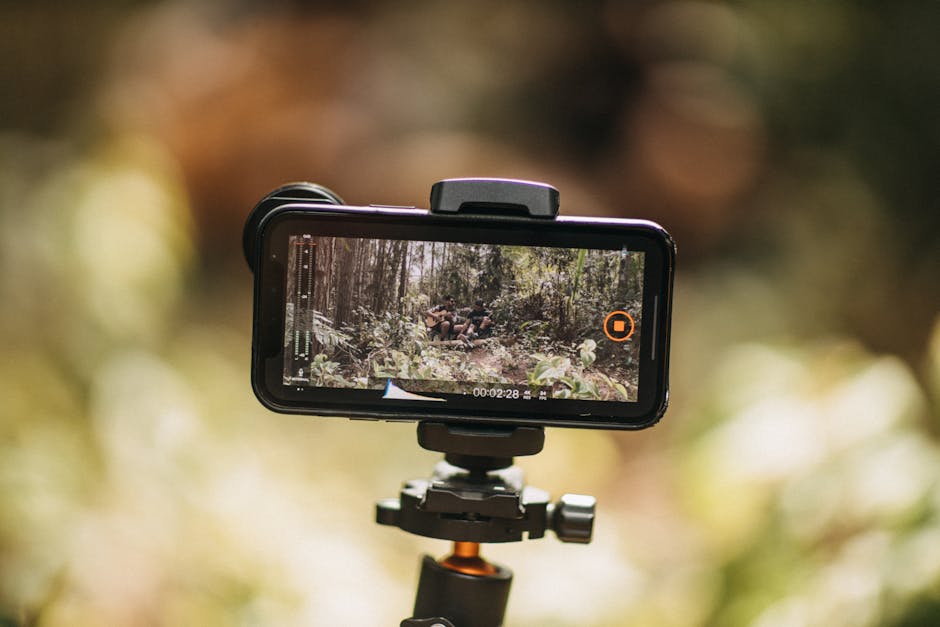
Step 7: Publish With Searchable Captions and a Clear First Frame
The first frame is the thumbnail before the thumbnail.
TikTok viewers decide fast. Make the first frame readable, specific, and connected to the promise of the video.
Use this publishing checklist:
- Put the core keyword or problem in the on-screen hook.
- Use captions if there is voiceover.
- Keep the caption readable without stuffing hashtags.
- Add 3-5 relevant hashtags only if they clarify the topic.
- Choose a cover frame that explains the video without sound.
- Reply to early comments quickly so the video has interaction signals.
- Save the hook, post time, and format in your tracker.
For captions and text-to-speech, TikTok’s official accessibility documentation explains the in-app caption and text-to-speech tools.
Want to see what these formats look like in practice? The 10 Cloneable Faceless Channel Kits breaks down 10 real faceless channels — formats, hooks, posting patterns, and niche breakdowns. Get it for $9 →
Step 8: Review the First 7 Posts Before You Change the Niche
Do not panic after one post.
The first seven posts are a diagnostic set. You are looking for signals, not proof that the account will work forever.
Track:
| Signal | Good Sign | What It Means |
|---|---|---|
| 3-second hold | People do not swipe immediately | First frame and hook are relevant |
| Completion rate | Short videos get watched through | Pacing is good enough |
| Saves | Viewers want to use it later | Tutorial or checklist value is working |
| Comments | People ask for examples or disagree | Topic has emotional or practical pull |
| Follows per view | Viewers want the series | Account promise is clear |
If nothing works after seven posts, adjust the hook and first frame before changing the entire niche. If one post performs better than the rest, make three variants of that same structure.
Step 9: Connect the Account to Monetization Only After the Format Has Signal
Monetization too early makes the account feel thin.
But ignoring monetization completely creates a different problem: you build an audience with no commercial path. Choose the path early, then activate it when the account has signals.
Common paths:
- TikTok Shop Affiliate: Best for hands-only demos, product comparisons, desk setups, home, kitchen, and creator gear. Use the faceless TikTok Shop affiliate guide when your format can prove products visually.
- Digital products: Best for tutorials, templates, scripts, prompts, checklists, and education.
- Brand deals: Best when the account owns a niche with clear buyer intent.
- Creator rewards: Treat as a bonus, not the whole business.
- Lead generation: Best for B2B, finance, marketing, software, and professional services.
The full revenue stack is covered in how to monetize a faceless TikTok account. Build the format first, but keep the business model visible.
Common Mistakes
1. Starting With a Logo Instead of a Format
A clean logo will not save a weak post. Choose the repeatable video structure first. The visual identity can mature after the account has content data.
2. Changing Niches After Every Low-View Video
Low early views are normal. TikTok needs repeated signals to learn the account. Change one variable at a time: hook, first frame, length, or topic angle. Do not rebuild the whole account after one miss.
3. Making the Account Too Broad
“Facts,” “motivation,” and “life hacks” are too vague for a new account. Tight niches give the algorithm and the viewer a clearer reason to care.
4. Hiding the Value Behind Generic Hooks
“You need to see this” is not a strategy. Say what the viewer gets. Specific hooks attract the right audience; vague hooks attract weak views.
5. Waiting Until Everything Is Automated
Automation helps after the format works. At the start, manual production teaches you what the viewer responds to. Build the system after you have evidence.
Frequently Asked Questions
How do you make a faceless TikTok account?
Choose one niche, pick a no-face format, create a niche-specific profile, script a short video, produce it with screen recording, stock footage, hands-only filming, or text overlay, then publish consistently. Track early signals before changing the niche.
What is the easiest faceless TikTok format for beginners?
Text-on-screen and screen recording are usually easiest because they require no camera setup and minimal gear. Text-on-screen works for quick tips and storytelling. Screen recording works for tutorials, software, AI tools, and productivity content.
Can a faceless TikTok make money?
Yes, but the monetization path depends on the format. Product demos can use TikTok Shop Affiliate, tutorials can sell digital products or affiliate tools, and niche authority accounts can earn brand deals or leads. Build watchable content before pushing offers.
Do you need AI tools to make faceless TikToks?
No. AI tools can speed up scripts, voiceover, captions, and editing, but they are optional. A phone, screen recorder, basic editor, and clear format are enough to publish the first version.
Should I start a new account or use my existing TikTok?
Start a new account if your existing account has an unrelated audience or personal posting history. Use the existing account only if its audience already matches the niche you want to build.
Keep Reading
- How to Make Faceless TikTok Videos — Detailed production workflows for the five main formats.
- Faceless TikTok Account Types — Choose the account model before you batch content.
- Faceless TikTok Monetization — Connect the account to Shop, digital products, brand deals, and funnels.
- Best AI Tools for Faceless Content — Pick the smallest useful tool stack.
What to Do Next
Still deciding whether faceless YouTube fits you? Pick the next step that gives you direction, not a sales pitch.
Free spreadsheet
Compare 75 faceless niches side by side
Sort all 75 by CPM range, competition, and production difficulty. Filter to what fits you and pick one.
Free. No spam. Unsubscribe anytime.
Take the 2-min Quiz
Answer 10 questions, get matched to a channel model that fits your time, budget, and tone.
Start the Quiz