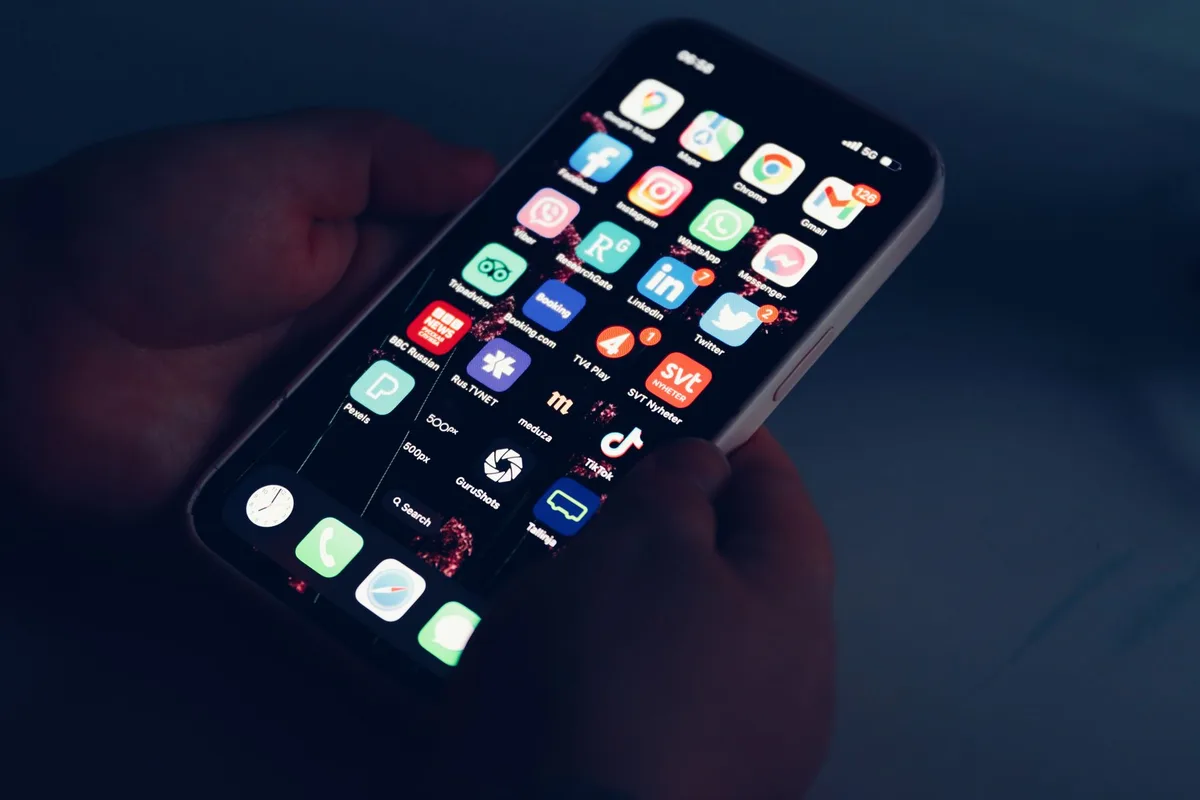
In this article
Your videos used to get a few hundred views. Now they get twenty, almost all from people who already follow you.
That drop feels like a shadowban. Sometimes it is TikTok limiting your reach for breaking a rule. Sometimes “shadowban” is just the word creators use for a simpler problem: the algorithm is not picking your video, full stop. This guide shows you how to tell which one you have, and what to do about each.
What You’ll Need
- Your TikTok account, logged in on the phone you post from.
- Your last 10 posts pulled up, ready to review one by one.
- A second TikTok account, or a logged-out browser tab, to test how your content looks to someone who does not follow you.
- Your TikTok inbox and Activity tab, checked for any removal or restriction notice.
- 15 to 20 minutes for the audit below. Longer if you need to re-edit a flagged video.
Step 1: Rule Out the Obvious First
Before you chase a shadowban, check the boring explanations. A new TikTok account needs time to find its audience. A niche change resets what the algorithm knows about who to show you to. A video posted at 3am your time zone, when your actual viewers are asleep, will always look quiet the next morning.
TikTok has never published a fixed view count or strike number that separates “restricted” from “just not resonating yet.” So the real first question is not “am I shadowbanned,” it is “did something change right before the drop.”
Pull up your last 10 posts. Note the date each one went up and how its view count compares to the post before it. A gradual decline over weeks points one direction. A cliff right after one specific upload points another.
Step 2: Check Your Account Status for a Real Restriction
TikTok’s own term for this is not “shadowban.” Its Community Guidelines on integrity and authenticity describe content that is “ineligible for the FYF” (For You Feed), meaning it stays on your profile but stops being recommended to people who do not already follow you.
Open your TikTok inbox and your Activity tab. Look for:
- A notice that a specific video was removed or made ineligible for recommendation.
- A “warning strike” notice. Per TikTok’s own Community Guidelines update, a first-time violation generates a warning strike that does not count against your account by itself, but it also says future violations will.
- Any message about your account being temporarily restricted from the For You feed. That same update explains TikTok can make an entire account, not just one video, temporarily ineligible for recommendation if it repeatedly posts content against its For You feed standards. Creators get notified, and they can appeal.
If you have a notice like this, you have your answer, and you can skip to Step 7. If your inbox is empty, keep going.

Step 3: Test Your Reach From Outside Your Follower Base
A real restriction usually shows up as a gap between how your existing followers see you and how strangers do.
- Log out, or open a second account that does not follow you.
- Search your username. If it does not surface at all, or only shows up when you type it exactly, that is a signal.
- Search the sound or hashtag you used on your most recent post. If your video is nowhere in those results after a day or two, it did not clear the eligibility check.
- Check your view mix in TikTok’s analytics, under your profile’s Creator Tools. If nearly every view on recent posts comes from followers, with almost none from the For You feed or search, that mix is the clearest sign something is suppressing non-follower reach.
A video that is simply underperforming still shows up in these searches, just with less traction. A video that failed the eligibility check is effectively invisible to anyone who is not already following you.
Step 4: Audit Your Last 10 Posts for Reposted or Unoriginal Clips
This is the step that matters most for faceless accounts, and it is the one creators skip.
TikTok’s integrity guidelines state plainly: “Content is also ineligible for the FYF if it includes unoriginal or reused material without anything new.” That line exists because of accounts exactly like a faceless repost page: stitched clips, reposted edits, or compilations pulled from other creators with no new voiceover, commentary, or edit layered on top.
Go through your last 10 posts and flag anything that is:
- A clip you downloaded or screen-recorded from someone else’s post, without adding your own narration, captions, or edit.
- A compilation of other people’s footage with no original framing or commentary tying it together.
- The same edit, trend template, or sound you have already posted, re-uploaded with no changes.
- Watermarked footage from another app, left visible in the corner of the frame.
One flagged video rarely tanks a whole account. A pattern of them, posted close together, is what trips the account-wide restriction described in Step 2.
Step 5: Fix or Pull the Videos Causing the Problem
For each flagged video, you have two options.
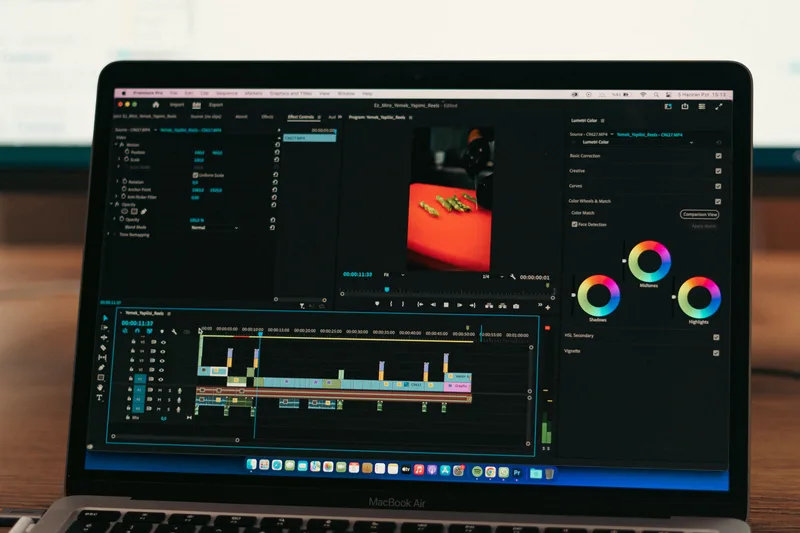
Add something new, and keep it up. A voiceover, on-screen commentary, your own captions, or a different cut changes a repost into a new piece of content built from borrowed footage, which is a different thing in TikTok’s eyes than a straight repost.
Pull it. If a video is a near-identical repost with nothing added, taking it down is faster than trying to retrofit it. Deleting a flagged video does not erase the strike if TikTok already issued one, but it stops that video from continuing to count against your pattern.
Not sure if the real problem is your content or your niche? The 75 Faceless Niches Spreadsheet ranks every niche by competition and production difficulty, so you can tell if low views are a reach problem or a niche problem. Free. Get the spreadsheet here.
Step 6: Cut Anything That Looks Like Spam or Fake Engagement
TikTok’s integrity guidelines also cover deceptive behavior directly: automation tools, scripts, or tricks designed to inflate likes, follows, or views are against the rules, and TikTok says it removes fake engagement signals when it detects them.
If you have ever used an engagement pod, a follow-for-follow group, or a bot-driven view or comment service on a faceless account, stop now. Those tactics create the exact inauthentic-metrics pattern the guidelines flag, and they do not help a reach problem. They can cause one.
Caption and comment baiting (“comment ‘yes’ to see part 2”) sits in a gray zone. Used occasionally it is a normal engagement tactic. Used on every single post, it starts to read as manipulation to the same systems that flag fake engagement.
Step 7: Appeal If You Think TikTok Got It Wrong
If you found a specific removal or restriction notice in Step 2 and you believe the video did not actually break a rule, use the appeal link in that notice. Appeals go to a specific flagged video or strike, so have the exact post in mind before you submit one.
Do not submit multiple appeals for the same video hoping one gets a different reviewer. Submit once, with a short, factual explanation of why the content does not match the rule it was flagged under, and wait for the response.
If there was no notice at all, there is nothing to appeal. That usually means you are dealing with the reach problem in Step 1, not a rule violation.
Step 8: Post Clean and Give It Time
Once you have fixed or removed the flagged videos, the fastest way back is the least exciting one: post a handful of fully original videos and let the account rebuild trust with the algorithm.
Check your view mix again after each new post, the same way you did in Step 3. A real restriction tends to ease gradually over several posting cycles, not instantly after one upload. If your non-follower views are still at zero after a week of clean, original posts, re-check your inbox for a notice you might have missed, since that is the more direct path to an answer than guessing again.
Common Mistakes When Trying to Get Unshadowbanned
1. Deleting the account and starting over
A new account starts with zero history and zero trust signals. It does not erase whatever pattern caused the first account’s drop, and if the cause was reposted content, the new account can trip the same flag just as fast.
2. Reposting the same flagged clip under a new caption
The video itself is the problem, not the caption. Re-uploading unoriginal footage with different text does not change what TikTok’s systems are evaluating.
3. Buying followers or views to “fix” the ratio
This directly matches the fake-engagement behavior TikTok’s guidelines call out. It does not improve your real reach, and it adds a second problem on top of the first.
4. Posting constantly while you wait
Flooding the feed with new videos during a restriction multiplies the number of posts that can get caught by the same pattern. A handful of careful, original posts beats a dozen rushed ones.
5. Never actually reading the notice
Creators often know they have a notification and skip past it. The specific wording tells you which rule was cited and which video triggered it, which is the fastest way to know exactly what to fix.
Frequently Asked Questions
How do I get unshadowbanned on TikTok?
Check your inbox for a restriction or strike notice, audit your recent posts for reposted or unoriginal clips, remove or re-edit the ones you find, stop any bot or engagement-pod activity, and post original content for a few cycles. TikTok says restrictions ease as an account stops repeating the flagged behavior.
What is a shadow ban on TikTok?
“Shadowban” is not TikTok’s own term. TikTok describes content or accounts as “ineligible for the For You feed,” meaning posts stay visible on your profile but stop reaching people who do not already follow you. The effect looks the same as what creators call a shadowban.
How long does a TikTok shadowban last?
TikTok has not published a fixed length. Its Community Guidelines describe restrictions as tied to a pattern of posts, so accounts that stop the flagged behavior and post original content tend to see reach return over several posting cycles rather than overnight.
Why do faceless TikTok accounts get restricted more often?
Faceless formats lean on repurposed clips, stitched footage, and trend templates, which sit closer to the “unoriginal or reused material” line in TikTok’s integrity guidelines than a video filmed from scratch. Adding your own voiceover, commentary, or edit is what keeps a faceless format on the right side of that line.
Keep Reading
What to Do Next
Published with zero views? Diagnose first. Don't reshuffle the channel until you know which lever is broken.
Get the Zero Views Diagnostic
Seven questions, five diagnostic stages, one specific fix for your next upload. Built for the first 10 uploads. Free PDF.
Free. No spam. Unsubscribe anytime.
Past upload 10?
If your channel has 10+ uploads and the issue is impressions plateau (not zero impressions), the growth guide is the better tool.
Read the Growth Guide